
HWID Spoofer
Disk, MAC, verification
At a glance
Key capabilities
What HWID Spoofer focuses on before you open the full module list.
Plus 12 additional modules in the operator portal—see the full list below.
Overview
Hardware identity recovery
How this build fits ranked, Turbo, and patch-day workflows.
The spoofer package focuses on disk and network identifiers with verification—not guesswork. Follow the checklist, confirm changes, then re-test installs with conservative game settings.
Read [MW4 HWID spoofer guide](/blog/mw4-hwid-spoofer-guide-pc-bans/) before you change anything.
When it fits
Use when fresh installs fail on one PC but work elsewhere after a hardware enforcement. Pair with backup and verification steps from the portal—not a replacement for account-level cases; see [game accounts](/products/mw4-cheats/game-accounts/) when restrictions are account-bound.
Workflow
Restore point, compatibility scan, apply changes, cold reboot, then verify identifiers with the diff report before launching the game.
Modules
What's included
Every module and overlay shipped with HWID Spoofer—toggle and tune in the operator portal.
- Disk serial profile tools
- MAC address rotation
- Restore point checklist
- Compatibility scan
- Driver conflict detection
- Post-spoof verification
- Identifier diff report
- Cold reboot guide
- Portal step-by-step workflow
- Recovery support channel
- Persistent HWID spoofing with reporting
- Multi-component spoofing (board, disk, UUID, MAC)
- Reboot persistence where supported
- Automatic system detection
- Restore and recovery guidance
- Spoofing status checker
Experience
In the client · After you buy
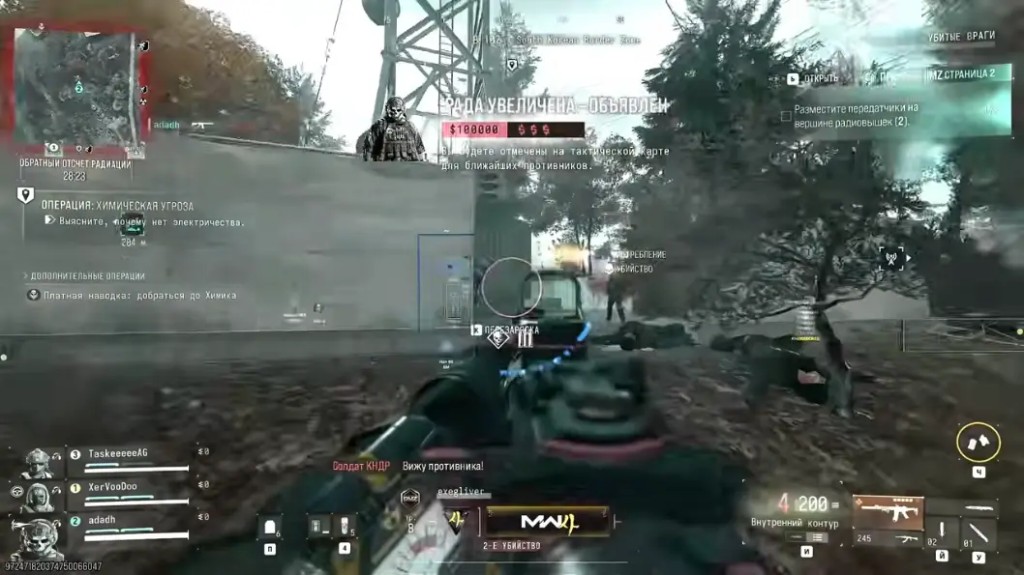
Use the screenshots above for HWID Spoofer—below is what each layer means and how access works after checkout.
In-game layers
- Layer A
Recovery context
Hardware workflow framing—verify steps before launch.
- Layer B
PC footprint
Disk and network scope the guide walks through.
- Layer C
Verify pass
Cold reboot and diff checks after changes.
Guides
Learn more about HWID Spoofer
Curated articles for setup, tuning, and patch-day checks that match this product.
When an MW4 HWID spoofer is the tool people mean, what a hardware ban actually sticks to, and what it will not undo.
How to tell a Call of Duty hardware ban from an account ban, what you can appeal, and where a spoofer fits.
Loader errors, a missing MW4 overlay, and crashes, in the order that actually finds the problem.
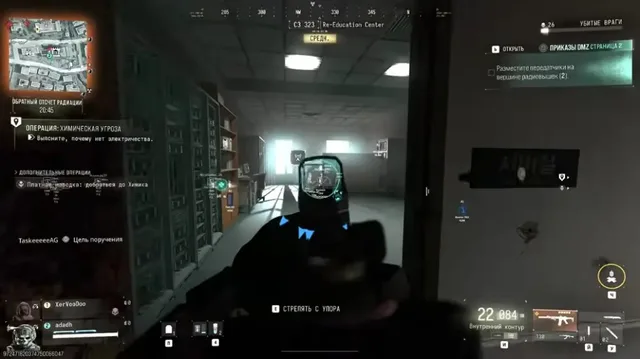
Plain steps that reduce the chance of a Call of Duty hardware ban, and the ones that do not work.
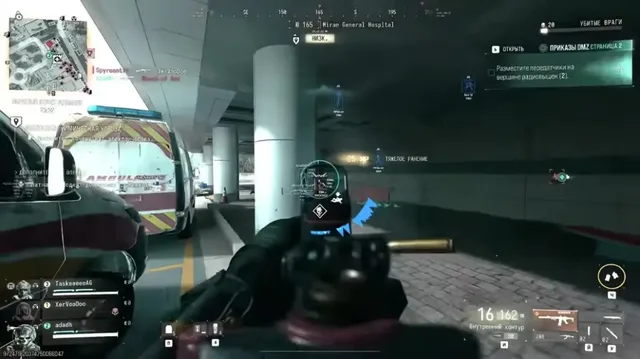
What MW4 cheats and MW4 hacks face on day one in 2026: TPM 2.0, Secure Boot, aimbot, ESP, 2D radar, DMZ loot, and how to read the status label.
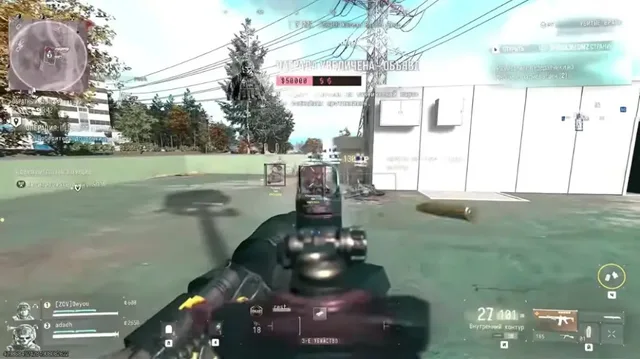
Which MW4 cheat features actually help in sweaty 6v6: aim smoothing, short ESP, a tight radar, and the layers you should turn off.
FAQ
Questions about this page
Answers tied to what you are reading—visit the FAQ page for every topic.