
MW4 Private Cheat
Aim, ESP, radar, loot, misc
At a glance
Key capabilities
What Cheat focuses on before you open the full module list.
Plus 20 additional modules in the operator portal—see the full list below.
Overview
Private MW4 cheat for PC
How this build fits ranked, Turbo, and patch-day workflows.
The main cheat bundles aim assistance, trigger assistance, player visuals, loot intelligence, radar, and misc combat tools in one operator workflow. Everything is tuned from the portal with humanized defaults—strong when you need it, quiet when you do not.
Use separate profiles for 6v6 and large-map modes so overlays stay clean. Check build status after every patch before you buy or launch.
Combat modules
Aimbot, triggerbot, player visuals, loot overlay, radar, and misc tools are grouped in the operator portal—tune distance caps, teammate filters, and stream-friendly modes before you queue.
Modes
Maintain separate saved configs for 6v6 and large-map modes so overlays stay readable. Use the [feature comparison](/blog/mw4-cheat-feature-comparison/) when you need a module-by-module view.
Modules
What's included
Every module and overlay shipped with Cheat—toggle and tune in the operator portal.
- Aim circle you set around the crosshair; smooth onto the operator (not a snap)
- Head / upper chest / closest bone selection
- Visibility check: no tracking through solid cover
- Distance cap and teammate skip; skip downed operators when enabled
- Draw the aim circle for calibration
- Triggerbot: fire when crosshair is on an operator; short delay
- Triggerbot: head or upper chest; same visibility rules as aim; hold key
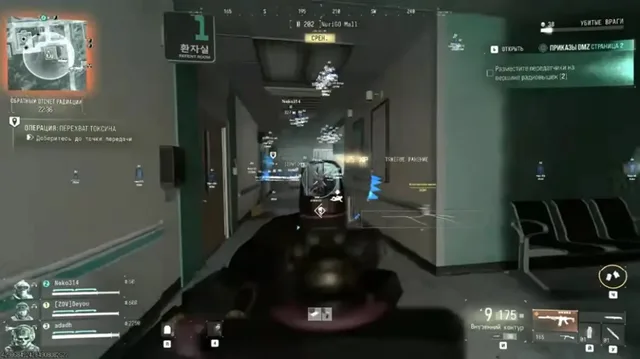
- Player visuals: box or corner box; skeleton; health; armor plates; distance
- Name tags optional; weapon-in-hand; snapline; quieter color behind cover
- Squad color; distance cap so 6v6 stays readable
- Loot: cash and bags in large-map mode; armor and ammo; contracts; extracts; vehicles where applicable; layer off in 6v6
- Radar: 2D radar; operator markers; range; zoom
- Misc: no recoil; no spread; stream-proof overlay; two saved configs (6v6 + large map); custom crosshair; PC build
Experience
In the client · After you buy
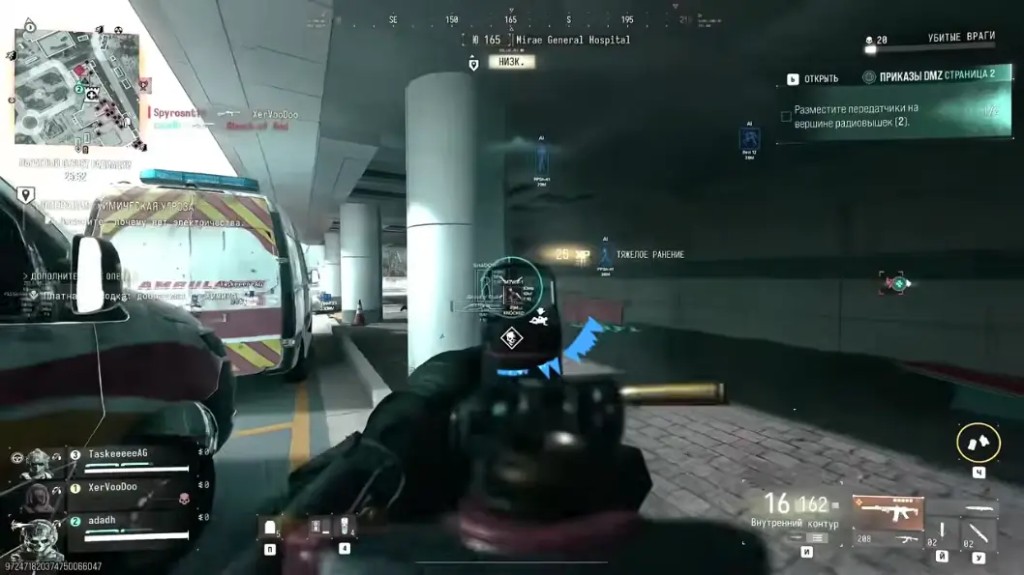
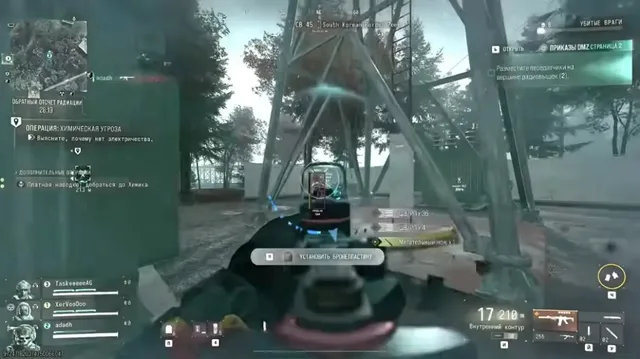
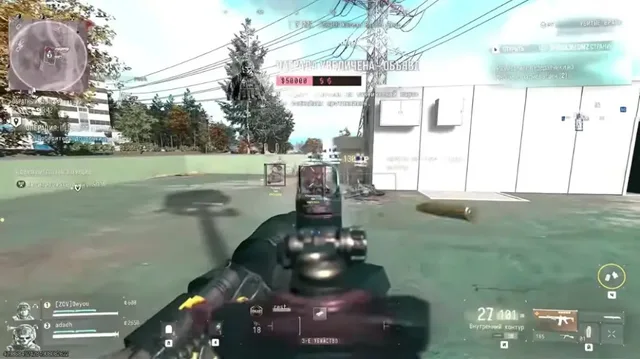
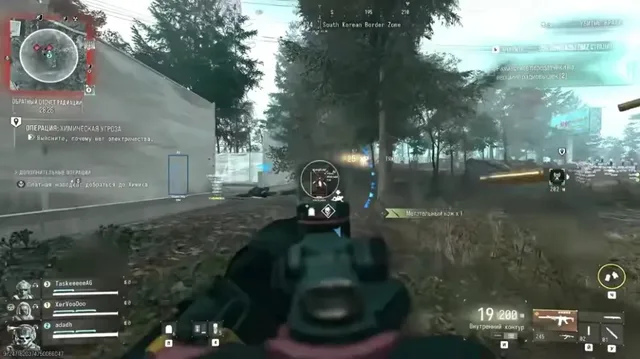
Use the screenshots above for Cheat—below is what each layer means and how access works after checkout.
In-game layers
- Layer A
Field intel
Large-map session reference for overlay context.
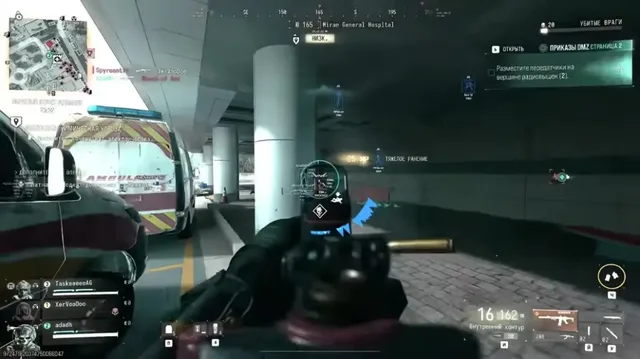
- Layer B
Aim line
Down-sights reference frame for tuning discussion.
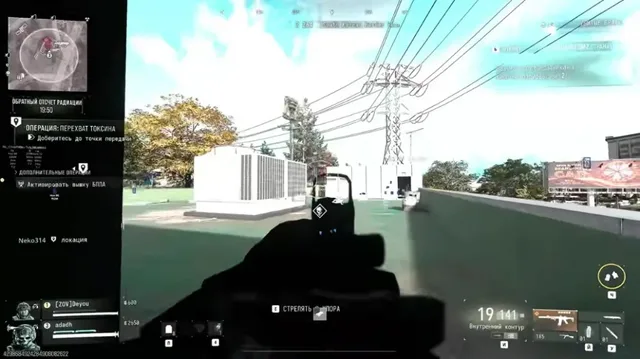
- Layer C
Extraction pace
Contract and loot-layer reference when modes demand it.
Guides
Learn more about Cheat
Curated articles for setup, tuning, and patch-day checks that match this product.
What MW4 cheats and MW4 hacks face on day one in 2026: TPM 2.0, Secure Boot, aimbot, ESP, 2D radar, DMZ loot, and how to read the status label.
How to set MW4 ESP and wallhack colors for tight 6v6 corners and for DMZ in Hajin, without painting the whole map.
MW4 Private Cheat versus the HWID spoofer, account workspace, and skin changer: what each one is for.
A practical MW4 loader install: Secure Boot on, one download from the portal, and what to do when the first launch fails.
Which MW4 cheat features actually help in sweaty 6v6: aim smoothing, short ESP, a tight radar, and the layers you should turn off.
Soft aim and a full MW4 aimbot are different speeds of the same tool. Here is what actually changes your report risk in a match.
FAQ
Questions about this page
Answers tied to what you are reading—visit the FAQ page for every topic.